
How to Make a Simple 2D Game
Author: Shiguang
Reviewed by: Yuandao
Introduction
This article is a record of the ideas and development work behind a simple 2D side-scrolling platformer I built for an assessment at my school’s studio (yes, really). If game development interests you—or if you hope to become a game developer—you may find something useful here. Already making games? Feel free to get in touch and compare notes 😄!
Choosing a Game Engine
Once you decide to make a game, your first big choice is the engine. Which one should you use? Two mainstream options are Unity and Unreal Engine 4 (UE4), and each has advantages and drawbacks. Unity’s 3D rendering, for example, is weaker than UE4’s, but its many plug-ins can speed up development.

For the 2D game in this article, I think Unity is the better choice. (The real reason: my school’s studio required Unity for the assessment.) Of course, “Unity” may make you think of TheFatRat’s electronic hit before it makes you think of an engine. A few examples should make its game-development side feel more familiar.
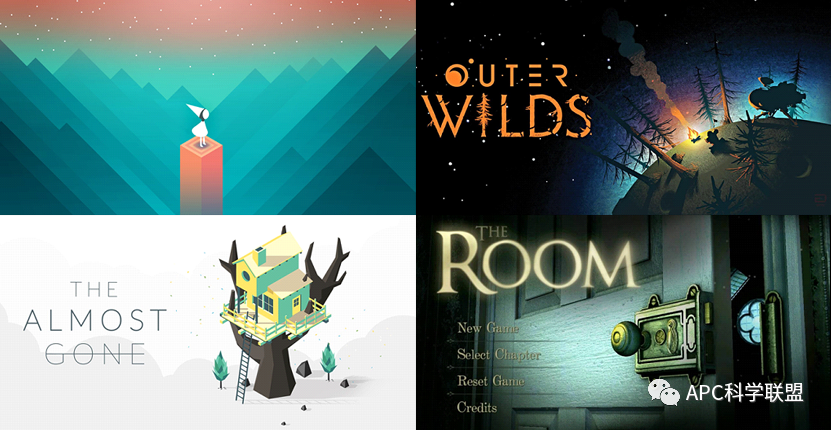
Many excellent 2D games were made with Unity, including DEEMO, Plague Inc., Hollow Knight, Gris, Ori and the Will of the Wisps, and Lobotomy Corporation. It also works for relatively lightweight 3D games such as Monument Valley, The Room, Outer Wilds, The Almost Gone, and Kerbal Space Program.
(Every game on that list is great fun XD! Try whichever ones catch your eye.)
(Arknights was made with Unity too! Consider this my attempt to recruit another believer.)

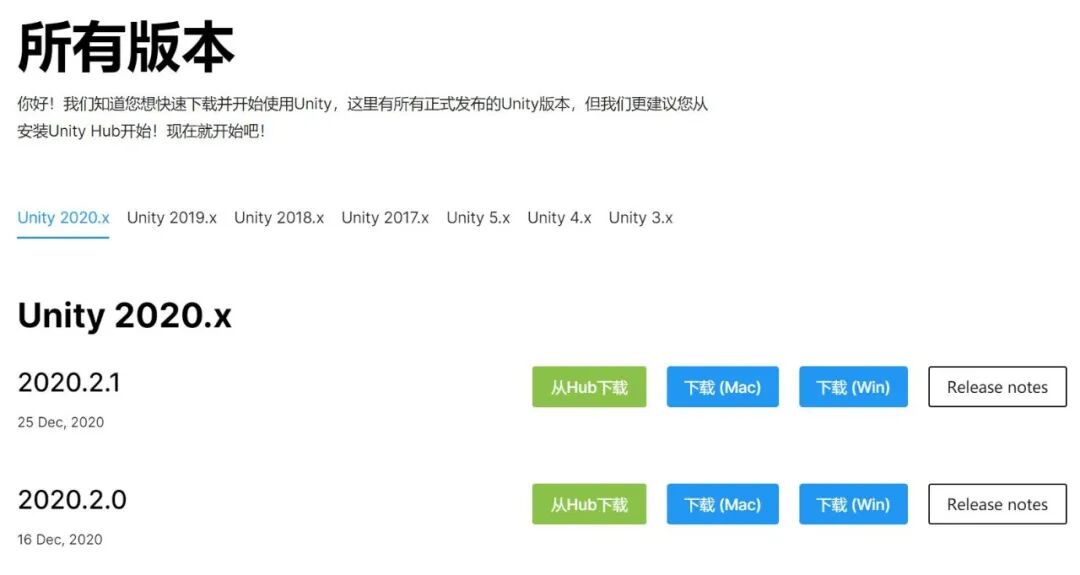
Engine chosen—what next? Download Unity from the official website, obviously! It is free to download and install. I recommend “Download through Hub,” the green option in Figure 4. Unity Hub keeps projects and licenses easy to manage. If a project will not open, the license may have expired; simply reactivate it by hand. The Hub also lets you install several Unity versions and switch among them, though features from a newer editor may not work in an older one.

Once Unity is installed, you need one more important program: Visual Studio (VS). That is where you will write the code, since scripts bring all those fancy game features to life. Unity scripts can use C# or JS; I recommend C#, for reasons I will explain later. If you already know some Java, C# should come fairly quickly because the syntax is similar.
With the engine chosen and the basic setup complete, we can start developing the game.
Development Process
A side-scrolling platformer needs two things from the outset: a map system and character controls. From there, the question is what else you want to add. A story? Tense combat? Everything depends on the kind of game you want to make.
My rough plan went like this: the protagonist talks to several NPCs, buys a weapon at a shop, then uses it to defeat the final boss. (Yes, you may accuse me of having no imagination. What kind of plot is that…?) Even that simple idea requires dialogue, shop, item, and combat systems. Once the concept told us which features we needed, we could begin coding them.
There is rarely only one way to implement a feature, but some designs hold up better than others. That is why object-oriented programming matters in game development. Items placed in inventory slots, for example, share methods for retrieving their names, descriptions, and so on. We can collect those common methods in an IItem interface. Use interfaces whenever they make sense, along with suitable design patterns.
Then you need art. If you cannot draw, Unity’s Asset Store offers plenty of free material. Still, your best move may be to stay on good terms with the talented artists around you. (Collapses.)

Technical Difficulties
Running into technical trouble is part of writing code. “Ten minutes coding, two hours debugging” became a saying for a reason. But what do you do when a script has beaten you and there is nobody to ask? Baidu can be useful, though it has too many ads, and some solutions I tried were not very good. I once tested several character-movement scripts I found there, and every one had major problems.
More importantly, nearly all the examples you find online are written in C#. That is why I recommended it over JS earlier.
Here is a better site to try, or you can simply search Google:
- Stack Overflow: https://stackoverflow.com/
YouTube is another place to look for answers. Some good game-development channels include:
Brackeys (covers a very wide range of topics)
Blackthornprod (less material than the channel above, but all of it is practical)
Code Monkey (plenty of material on C# programming)
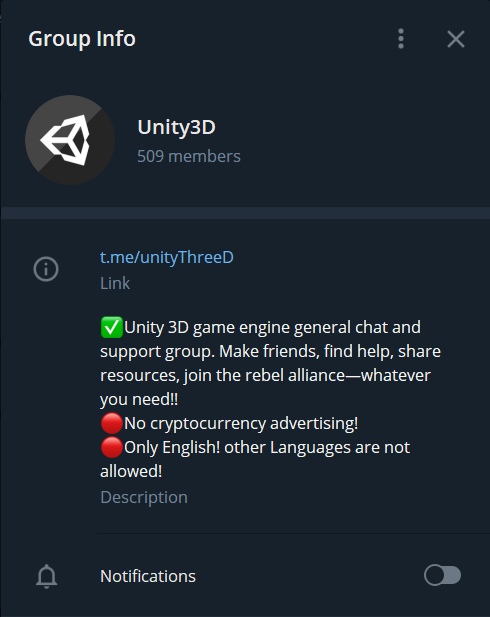
There is also a fairly active Unity technical group on Telegram where you can ask anything, though the group is English-only. Telegram link: t.me/unityThreeD
For readers unable to access sites outside mainland China:
Bilibili — M_Studio:
https://space.bilibili.com/370283072?from=search&seid=10106931170352874846
Siki Academy:
Official Unity Manual:
Official Unity scripting documentation:
Chinese: https://docs.unity3d.com/cn/2018.4/ScriptReference/index.html
UnityList (many open-source projects):
Official C# documentation:
https://docs.microsoft.com/zh-cn/dotnet/csharp/programming-guide/

 爱发电(点击图片跳转)